





Skip to content
SunoSaver

Download Your Suno Songs, Keep Every Detail

Download an accessible Suno song with its available audio, lyrics, cover art, and source details in one place.

What Can You Do with SunoSaver?

For music creators comparing song versions, video makers preparing a soundtrack, and listeners building a personal library. Bring your Suno tracks into a workflow that takes you from a promising idea to your next project or listening session.

Use music you created or have permission to download and reuse.

  1. 01Download a song with its available details.
  2. 02Download playlist tracks together as a ZIP.
  3. 03View and copy available lyrics and style descriptions.
  4. 04Edit MP3 titles, artists, albums, and cover art.

Download, Explore, and Organize Your Suno Music

From downloading a track to organizing its details, choose the tool that fits your next step.

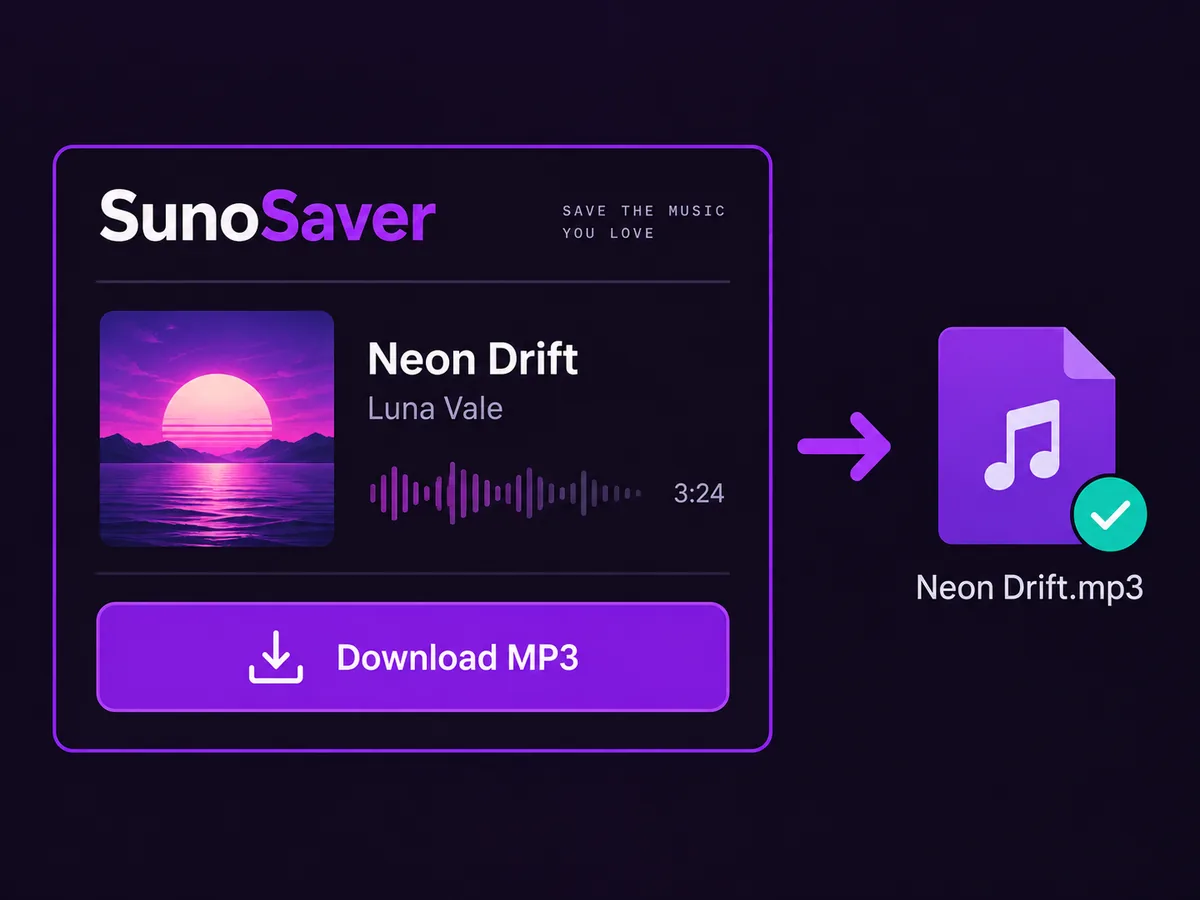
Neon Drift song with artwork and creator details downloaded as an MP3 file

Download a Suno Song with Its Details

Paste an accessible Suno song link to download the available audio and keep the details that help you recognize it later.

  • Keep available lyrics, cover art, and song information.
  • Retain the original source link for future reference.
  • Keep different versions easy to identify and organize.
Download a Song
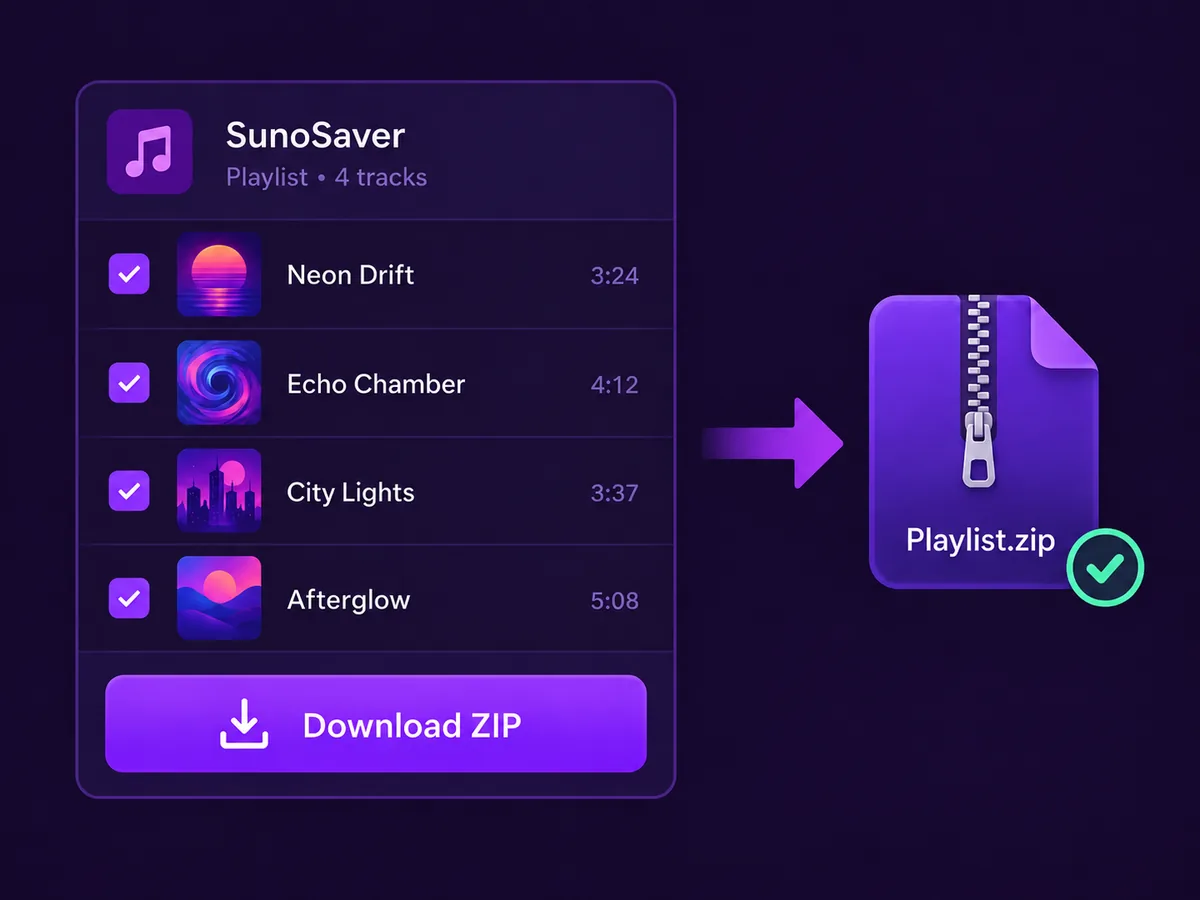
Four selected playlist tracks downloaded together using Download ZIP into a single Playlist.zip archive

Download Playlist Tracks Together as a ZIP

Download multiple tracks in one go. Paste your Suno playlist link, choose the available songs you want, and download them together as a ZIP.

No need to copy each song link or repeat the download steps track by track. One playlist, one batch download, fewer steps.

Open Playlist Downloader
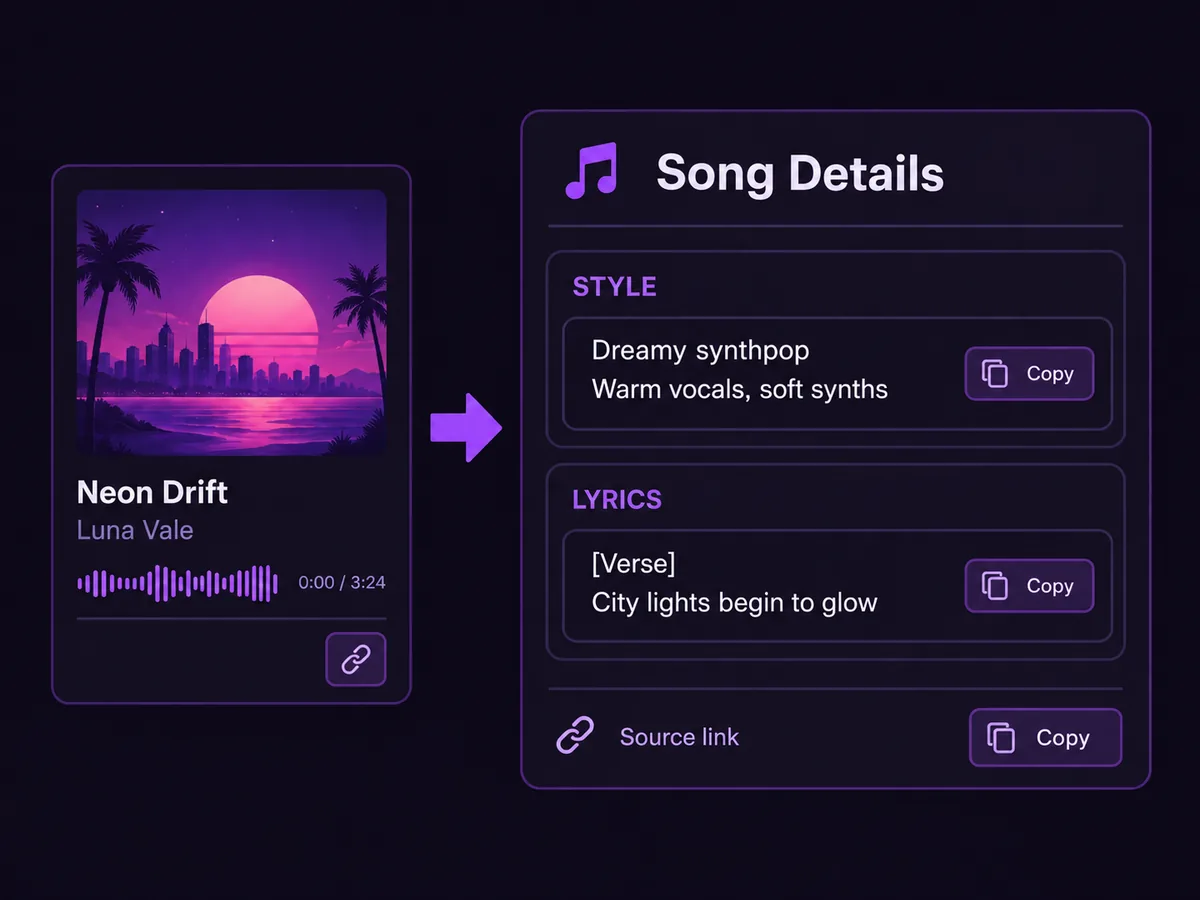
Suno song link revealing available style, lyrics, and source details with copy buttons

Explore the Ideas Behind a Suno Song

View the lyrics, style description, and other details available from a song link. Copy useful text for reference and adapt the musical direction to your own ideas.

Lyrics
Review the words and song structure.
Style
Explore the available musical direction.
Source
Keep a link back to the original track.
Open Prompt Extractor
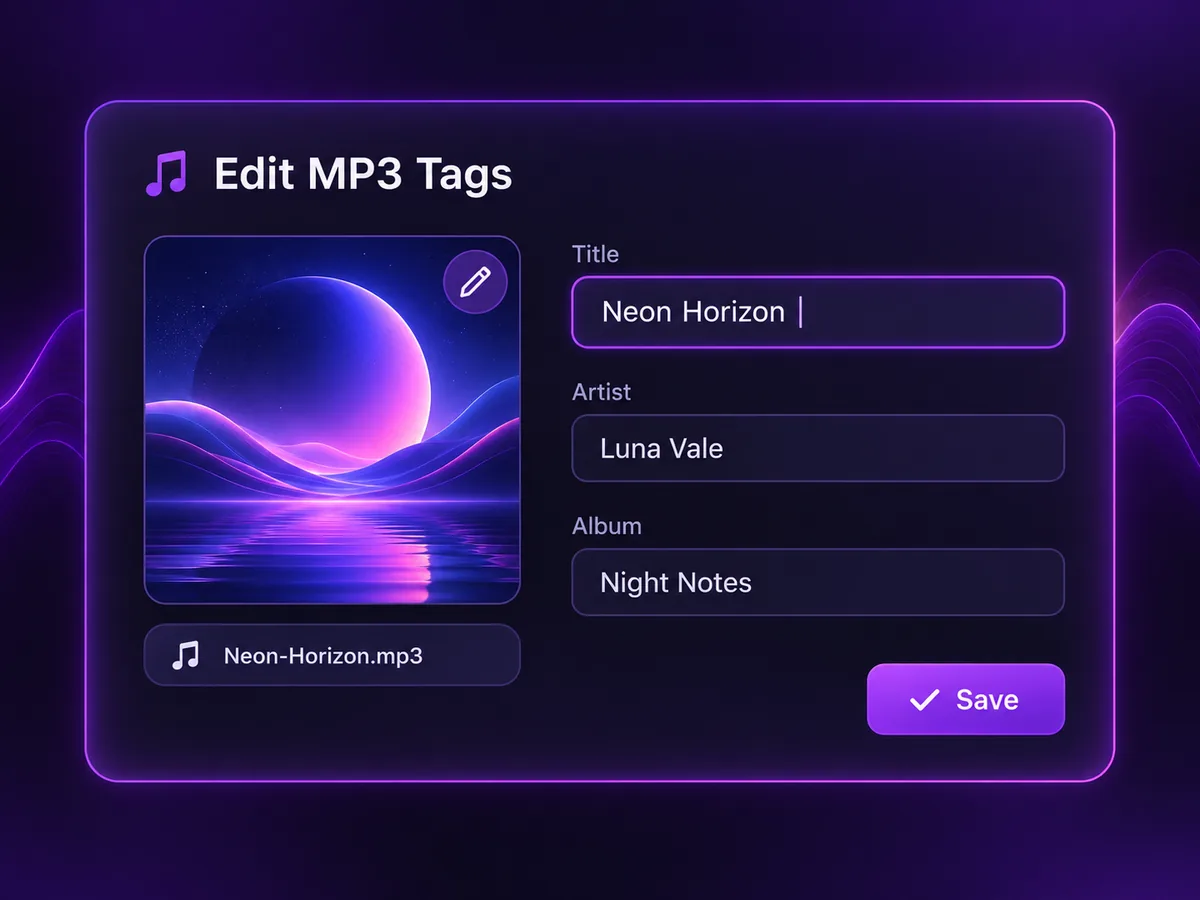
MP3 tag editor with editable title, artist, and album fields, cover artwork, and a Save button

Edit MP3 Tags for a More Organized Library

Update an MP3’s title, artist, album, and cover art, then save the edited file. Give compatible music players the details they need to display and organize your tracks.

  • Replace unclear titles and inconsistent artist names.
  • Group related tracks with an album name.
  • Add recognizable cover artwork.
Open MP3 Tag Editor

How it works

Move from an accessible Suno link to a reviewed, organized music asset in four clear steps.

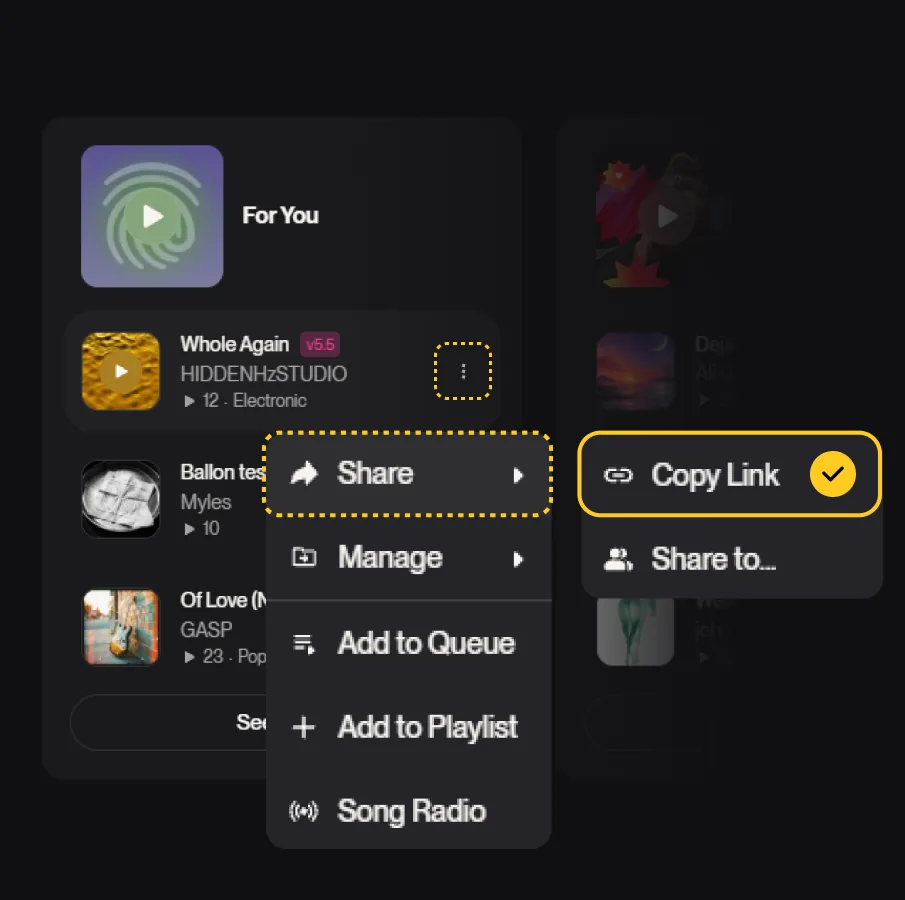
Copy a Suno song link from the share menu

Need to save several songs? Use the Suno Playlist Downloader to review and export a complete playlist.

Why Choose SunoSaver?

No Account Required

Start without creating a SunoSaver account or connecting your Suno account. Use an accessible link or open your MP3 file.

No Installation Needed

Use the tools directly in your browser. There’s no desktop software or browser extension to install.

Free to Use

Download music, explore available song details, and edit MP3 tags with free tools built for everyday tasks.

Fewer Steps, Less Repetition

Start with a link or file and move straight to the task. Download playlist tracks together instead of repeating the process song by song.

Four Tools in One Place

Switch between song downloads, playlist downloads, prompt details, and MP3 tag editing without searching for a separate site for each task.

Keep More Than the Audio

Keep available lyrics, artwork, and source details, then organize your MP3 tags so your collection stays easier to understand.

Built Around How People Use Suno Music

Keep the songs you create or are authorized to use organized, recognizable, and ready when you need them again.

AI music creator comparing song generations in a dark home studio
Generation review

AI Music Creators

Keep the versions that matter, compare them side by side, and save available lyrics, style details, and source links with the final track you choose.

Frequently Asked Questions AboutSaving Suno Music

Common questions about saving, organizing, and revisiting accessible Suno songs.

SunoSaver helps you save songs that you created or are authorized to use. Depending on the available source information, you may be able to keep the audio file, title, creator, cover art, lyrics, style information, metadata, and original song link together.

The available metadata depends on the source page and the information exposed by the original file. If lyrics, cover art, creator information, or style details are not provided by the source, SunoSaver may not be able to recover them automatically.

You can still save the available audio file, or use the Prompt Extractor to review any creative information that is available.

Yes. Open the Suno Playlist Downloader to load an accessible playlist, review the available songs, remove unwanted versions, and save selected tracks individually or as a ZIP file.

SunoSaver marks unavailable tracks separately instead of treating the entire playlist as failed. Other accessible tracks can still be selected and saved.

A track may be unavailable if it is private, deleted, restricted, expired, or no longer accessible from the original source.

No. Downloading, renaming, organizing, or adding metadata to a file does not change its ownership, license, or commercial-use rights.

SunoSaver does not grant permission to use someone else's song. Review the original platform's terms and the rights attached to the song. See our Terms of Service.

Commercial use depends on the song's original platform rights, your subscription status when the song was created, the materials used to create it, and the laws that apply in your region.

SunoSaver cannot grant commercial permission. Before publishing, selling, or monetizing a song, check the original platform terms and keep a record of the song's source and creation context.

SunoSaver can only provide formats that are available from the original source. If a source provides an MP3 file but no WAV file, SunoSaver cannot create a true lossless WAV version from it.

Converting a compressed MP3 into WAV does not restore audio information that was already removed during compression.

Yes, if you have permission or the necessary rights to use the song. However, a public link alone does not automatically grant permission to download, reuse, redistribute, or monetize the content.

No. SunoSaver does not require you to connect your Suno account. You only need an accessible song link. The result depends on whether the source page and its available files can be accessed.

Use SunoSaver Responsibly

Only process songs that you created, own, or have permission to use. SunoSaver does not change a song's copyright, ownership, license, or commercial-use rights. Public visibility does not automatically grant permission to download, reuse, distribute, or monetize a song.

The applicable rights depend on the source platform, your subscription status, your input materials, and the laws in your region. Review the original platform's current terms before using a song commercially.

Keep Your Suno Music Ready for What's Next

Download your own AI-generated songs, organize the information behind them, and keep every track ready for your next creative project.

For authorized content onlyNo change to ownership or commercial rightsNo Suno affiliation