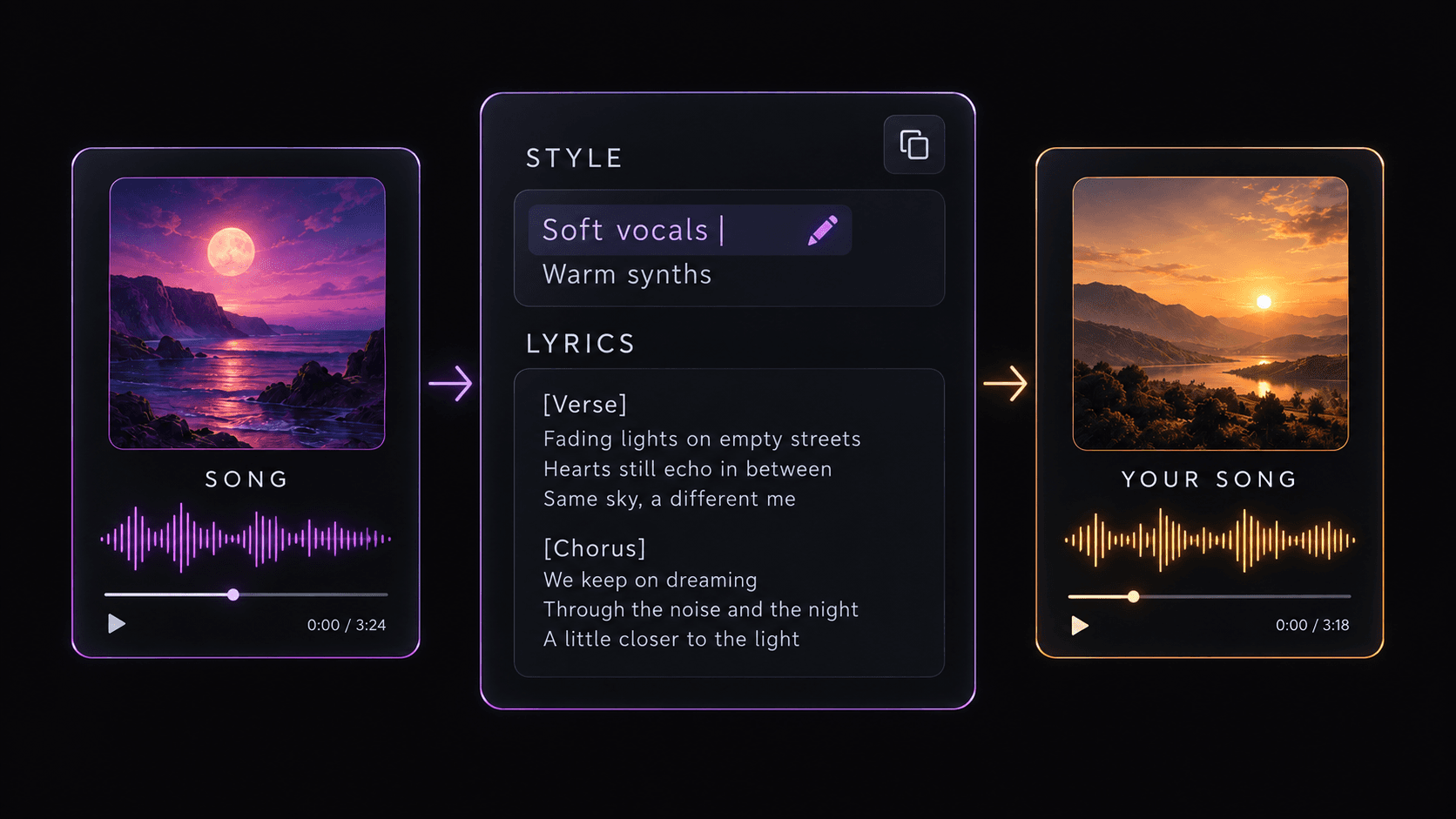


What can the Prompt Extractor find?
Depending on the source page, SunoSaver may display the song title, creator, style description, genre, mood, vocals, instruments, lyrics, cover art, and source link.
Paste an accessible Suno song link to see the lyrics, style, and metadata available for that track.
Want to save the audio too? Use the Suno Song Downloader
Depending on the source page, SunoSaver may display the song title, creator, style description, genre, mood, vocals, instruments, lyrics, cover art, and source link.
Copy an accessible Suno song link.
Paste the link into SunoSaver.
Review the available song details.
Copy the information you want to keep for your next music project.

Use visible genre, mood, vocal, and instrument details as a creative reference.
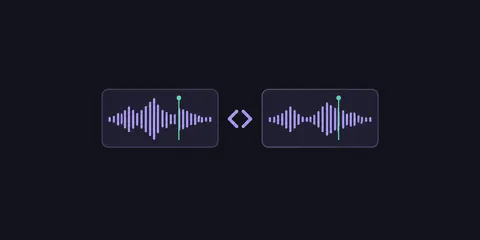
See how the available details change from one version to the next.

Save useful lyrics, style notes, and the source link with the track you choose.
Depending on the source page, it may show available title, creator, style description, genre, mood, vocals, instruments, lyrics, cover art, and source link.
SunoSaver only displays information exposed by the original source. It cannot recover details that are private, unavailable, or were never published.
Not necessarily. It helps you review the creative details that are available, rather than reconstructing a hidden or unavailable prompt.
Yes. Use the copy action beside an available field, then adapt those references into your own creative direction.
When lyrics are visible on the source page, you can copy the available text. SunoSaver does not generate or reconstruct lyrics that are missing.