

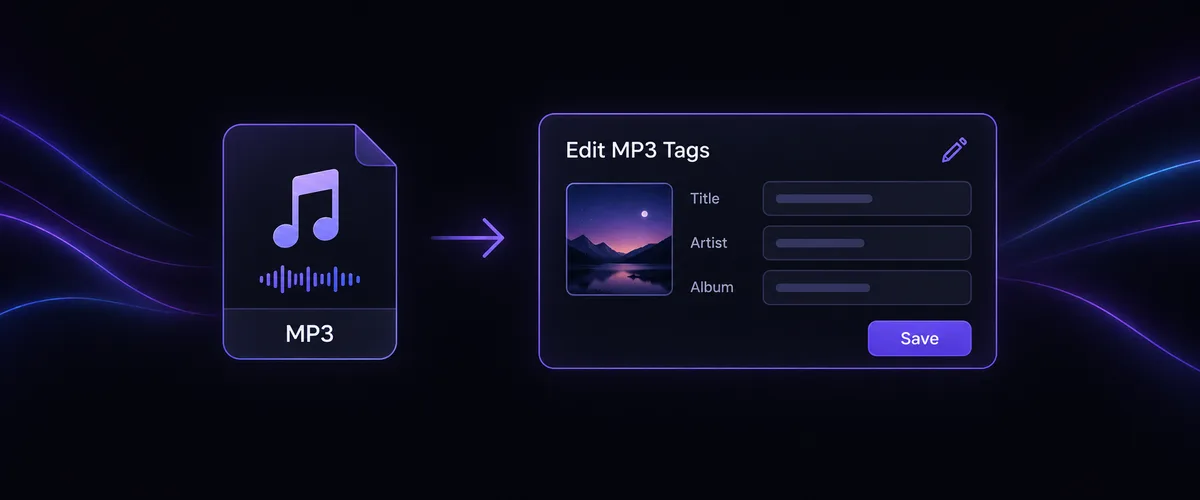
What does the MP3 Tag Editor do?
Update the details stored in an MP3 so it is easier to recognize and organize in a compatible music player. Review one track, change its tags or cover artwork, and download the edited copy.
Edit a track's title, artist, album, genre, year, lyrics, and cover art in your browser. Existing tag details are read locally when available.
Need a song to edit first? Use the Suno Song Downloader
Choose a file to start editing its details.
Update the details stored in an MP3 so it is easier to recognize and organize in a compatible music player. Review one track, change its tags or cover artwork, and download the edited copy.
Add one MP3 file.
Choose the fields to update and preview the changes.
Choose Save to download the MP3 with clearer, more useful metadata.

Help compatible music players display the correct titles and artists.

Help songs look recognizable in playlists and music libraries.
Clean up metadata before you send a track to someone else.

Add the details that help you identify a track later.
Yes. You can update music metadata in your browser without creating an account.
Yes. Your file stays in your browser while you review its tags. When you select Save, the MP3 and any new cover artwork are uploaded for processing so you can download the edited file.
Not yet. The current editor supports one MP3 file at a time, so you can review each track before exporting the updated file.
You can update the title, artist, album, track number, year, genre, composer, lyrics, and cover artwork.
Yes. Add cover artwork to help a track remain recognizable in a music library, playlist, or shared folder.