

Quick answer
Keep a high-quality WAV as your master. Use that master to prepare the video or audio file required by each publishing workflow. Platforms will process uploaded media again, so avoid using an already-compressed social download as the source for another destination.
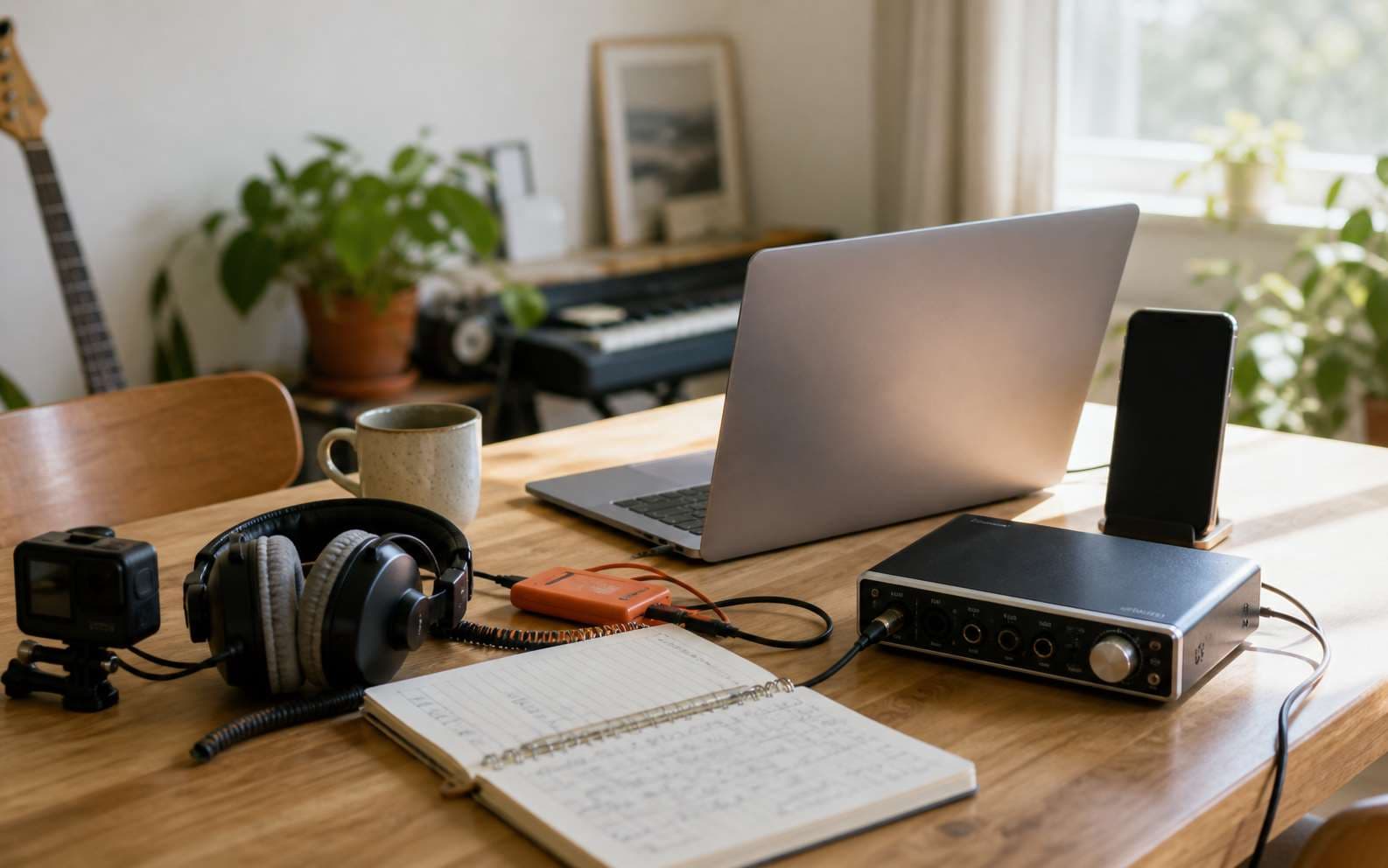
Start every destination from one clean master
Publishing requirements can change, but the safest workflow stays stable: preserve one high-quality master, then make destination-specific copies. This avoids building a chain of files that have already been compressed by another app or platform.
- Keep a WAV master for future edits and exports
- Keep artwork, lyrics, title, version, and source link with the master
- Create each upload from the master rather than from a downloaded social copy
YouTube and TikTok use video delivery
For video-first platforms, the audio is normally packaged inside a video file. Edit with the WAV master where possible, then export a video using the settings required by the publishing tool. The platform may transcode that upload for different devices and connection speeds.
Keep the finished video as a delivery file, not as the only copy of the music. The separate WAV remains easier to reuse in a new edit or platform format.
Spotify and Apple Music need release-ready masters
Music streaming releases are usually delivered through a distributor. Start with a lossless master that matches the distributor's current specifications, then complete the required metadata and artwork in that delivery workflow.
Do not assume one old upload preset applies forever. Check the distributor's current requirements before a release because accepted containers, sample rates, bit depths, and artwork rules may differ.
Use a simple publishing checklist
A small amount of organization prevents the final upload from becoming the only recognizable version of a song.
Lock the master
Preserve the approved WAV and identify the exact song version.Check the destination
Confirm the platform or distributor's current delivery requirements.Export from the master
Create the required audio or video without using another delivery copy as the source.Keep the context
Store the upload details, artwork, and original song link with the project.
Frequently asked questions
Should I upload an MP3 to every platform?
No. Use the file requested by the current publishing workflow. A high-quality WAV master gives you a reliable source for the required delivery format.
Can I reuse audio downloaded from a social platform?
It is better to return to your original master. Social downloads may already have been transcoded, normalized, or packaged at settings intended only for playback on that platform.
Next step
Choose the right format for your next creative project
Download an authorized song, then choose the available MP3 or WAV file that fits listening, editing, or delivery.
Download a Song