

Quick answer
Choose WAV when you plan to edit, mix, master, or archive the song. Choose MP3 when you need a smaller file for quick listening, review, or sharing. If you can keep only one master, keep WAV and make MP3 copies from it when needed.
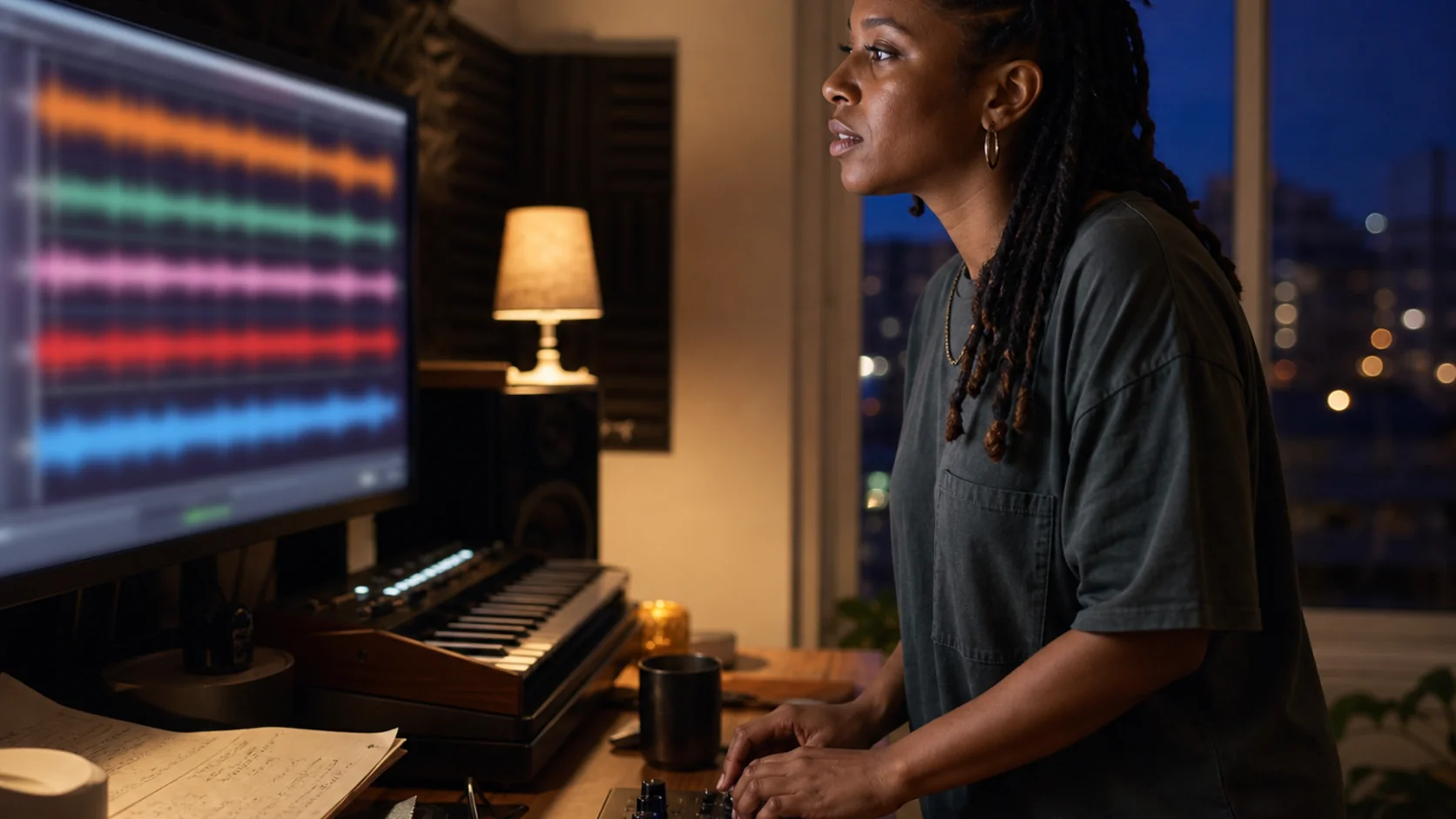
MP3 and WAV solve different problems
WAV is normally the better production master because it preserves uncompressed audio data. MP3 is a compressed delivery format designed to reduce file size while remaining convenient to play and share.
| Need | Choose | Why |
|---|---|---|
| Editing or mastering | WAV | Keeps more audio information for later processing |
| Long-term archive | WAV | Provides the strongest reusable source copy |
| Quick review or sharing | MP3 | Smaller and widely compatible |
| Limited storage or bandwidth | MP3 | Uses substantially less space |
Choose MP3 for convenience
MP3 is useful when the song is already finished and the goal is simple playback. It opens almost everywhere, transfers quickly, and is easier to attach or send for feedback.
- Casual listening on phones, laptops, and car systems
- Fast review links and lightweight project folders
- A delivery copy when a service specifically accepts MP3
Choose WAV for production and preservation
WAV is the safer starting point when the file may be edited again. EQ, compression, mastering, video editing, and later conversions all benefit from beginning with the best available source.
- Mixing, mastering, stem preparation, or detailed editing
- A reusable source file for future delivery formats
- Archiving a final version without adding lossy compression
Keep one master and create delivery copies
A clear master-to-delivery workflow avoids uncertainty. Preserve the WAV as the master, keep the original source link and version details with it, and create MP3 copies only for the situations that need them.
Archive the WAV
Keep it with the song title, version, artwork, and original source link.Name delivery copies clearly
Add the format or purpose so the MP3 is not confused with the master.Convert from the master
Return to WAV whenever you need a new bitrate or delivery format.
Frequently asked questions
Does WAV always sound better than MP3?
WAV preserves more information, although the audible difference depends on the MP3 bitrate, playback equipment, and listener. WAV remains the safer editing and archive copy.
Should I keep both formats?
Keep the WAV master when storage allows, then keep MP3 only where its smaller size is useful. You can always create another MP3 from the WAV.
Next step
Keep the version you can reuse later
Start with the original song link, save the best available master, and keep its useful source details nearby.
Open Song Downloader