

Turn three September Suno selections into starting points for your own music. Below, each song leads to a reusable prompt structure, a fill-in template and a finished example you can copy into Suno.
The references appeared in Suno's Best of v6 selection. These templates are adapted from the songs' public style descriptions.
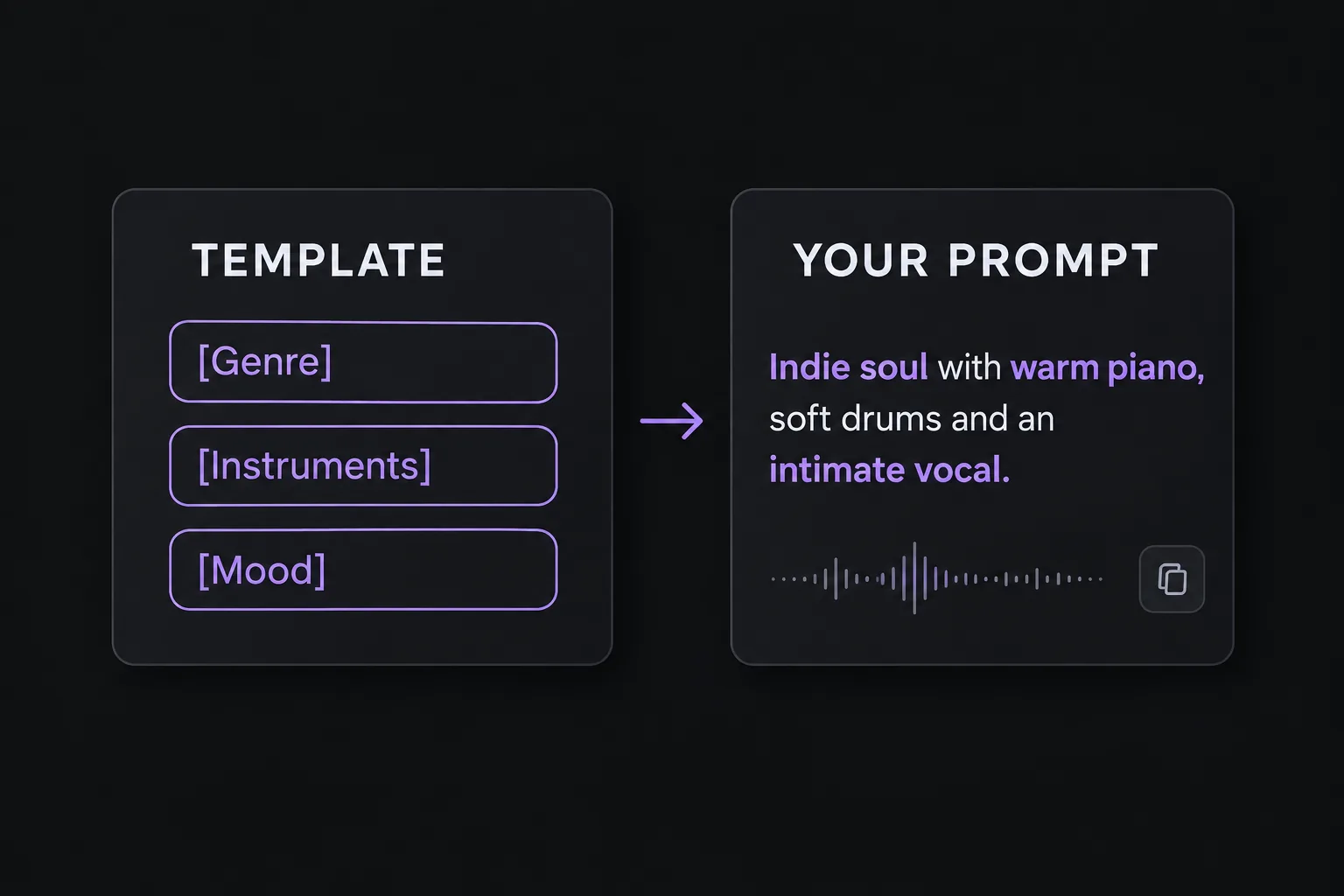
Build movement between verses and choruses
Reference: Who am I — SHVKO · Released September 11, 2026.
The prompt specifies a melodic reply after each chorus line, half-spoken vocals in verse two, and a melody-only outro.
Structure: Main genre → instruments and groove → vocal delivery → chorus response → second-verse change → ending.
Fill-in template
[Genre] with [lead instrument], [bass sound] and [drum feel]. [Vocal tone and delivery]. After each chorus line, add [instrumental response]. In the second verse, shift to [vocal or arrangement change]. End with [outro arrangement].Replace every bracketed phrase. For the response, choose a short musical idea, such as a guitar lick or a piano phrase.
Ready-to-try example: intimate indie soul
Indie soul with fingerpicked electric guitar, rounded bass and a relaxed backbeat. Close, conversational lead vocal. After each chorus line, add a short guitar reply. In the second verse, shift to a more rhythmic vocal delivery. End with voice and guitar alone.Build a song around one memorable groove
Reference: 1ND KL SIMPLE — RadDaddy8 · Released September 11, 2026.
The prompt calls for a chopped, filtered funk loop, swinging drums, vocals aligned to the beat, and abrupt dropouts.
Structure: Genre and pace → repeating motif → supporting instruments → vocal rhythm → chorus variation → break.
Fill-in template
[Genre] at [tempo or pace], built around a repeating [instrument and riff]. Support it with [drum pattern] and [secondary instrument]. [Vocal delivery] locked to the groove. Keep the motif through the verses, add [new layer] in the chorus, and use [short break or dropout] before the final chorus.Choose one anchor: a bass riff, a guitar pattern or a keyboard loop. Use the chorus layer to add contrast while keeping that anchor.
Ready-to-try example: playful disco-funk
Mid-tempo disco-funk built around a short syncopated bass riff. Support it with crisp claps, tight drums and dry rhythm guitar. Playful lead vocals locked to the groove. Keep the riff through the verses, add bright keyboard accents in the chorus, and use a one-beat silence before the final chorus.Turn a mood into a complete arrangement
Reference: 3:17 AM — WHITE NIGHTS · Released September 15, 2026.
The prompt combines Rhodes piano, sparse percussion and restrained vocals with open verses, rising pre-choruses, wider choruses and a minimal bridge.
Structure: Mood and genre → main instrument → percussion and bass → voice and space → sparse verse → fuller chorus → reduced ending.
Fill-in template
[Mood or setting] [genre] with [main instrument], [percussion texture] and [bass character]. [Vocal delivery] with [room or production feel]. Keep the verses [sparse arrangement], add [harmonies or instruments] in the chorus, reduce to [bridge arrangement], and finish with [ending detail].Match the sounds to the setting. For a quiet song, try soft percussion and a small arrangement; for a more expansive setting, try sustained instruments and a wider chorus.
Ready-to-try example: quiet morning soul
Quiet morning soul with soft acoustic piano, brushed drums and gentle electric bass. An unhurried, natural lead vocal in a small-room setting. Keep the verses sparse with piano and bass, add soft vocal harmonies in the chorus, reduce to voice and piano in the bridge, and finish on an unresolved piano chord.Generate a song with your template
- Choose a finished example above, or replace all the brackets in a template.
- Open Suno Create and paste your prompt into the Styles field in Advanced mode.
- Add your own lyrics in the separate Lyrics field, then generate the song.
- For the next version, change one element: the lead instrument, vocal delivery or chorus arrangement.
Build a template from a song you like
Have another Suno song in mind? Use our free Suno Prompt Extractor to inspect the style description, lyrics and other details available for that track.
- Copy an accessible Suno song link and paste it into SunoSaver.
- Select Extract Song Details and review the available style text.
- Pick out its genre, main instruments, vocal direction and section changes. Use the closest template above to organize those details.
- Replace the mood, instruments or arrangement with your own choices, then take your new prompt to Suno Create.
The extractor shows information available from the source; it does not recover hidden settings or guarantee the same sound. Use it to understand the song's published direction and develop your own version.
Start with a song that inspires you
Review its available style description and lyrics, then turn one musical idea into your next prompt.
Open Free Prompt Extractor