

A new Suno model matters most when it changes what you can do with a song. Perhaps the verse already works, but the chorus needs a different feel. Or you have a finished set of lyrics and want to hear a few musical directions before choosing one.
Released on September 9, 2026, the Suno v6 update brings three models and more ways to reshape existing music. The choice starts with your goal: follow a clear direction with v6, explore with v6-wild, or sketch an idea quickly with v6-mini.
Quick answer
Start with v6 when you know the sound you want, v6-wild when you want to explore, or v6-mini for a quick sketch. Suno offers v6 and v6-wild on Pro and Premier; v6-mini is available on all plans, including Free.
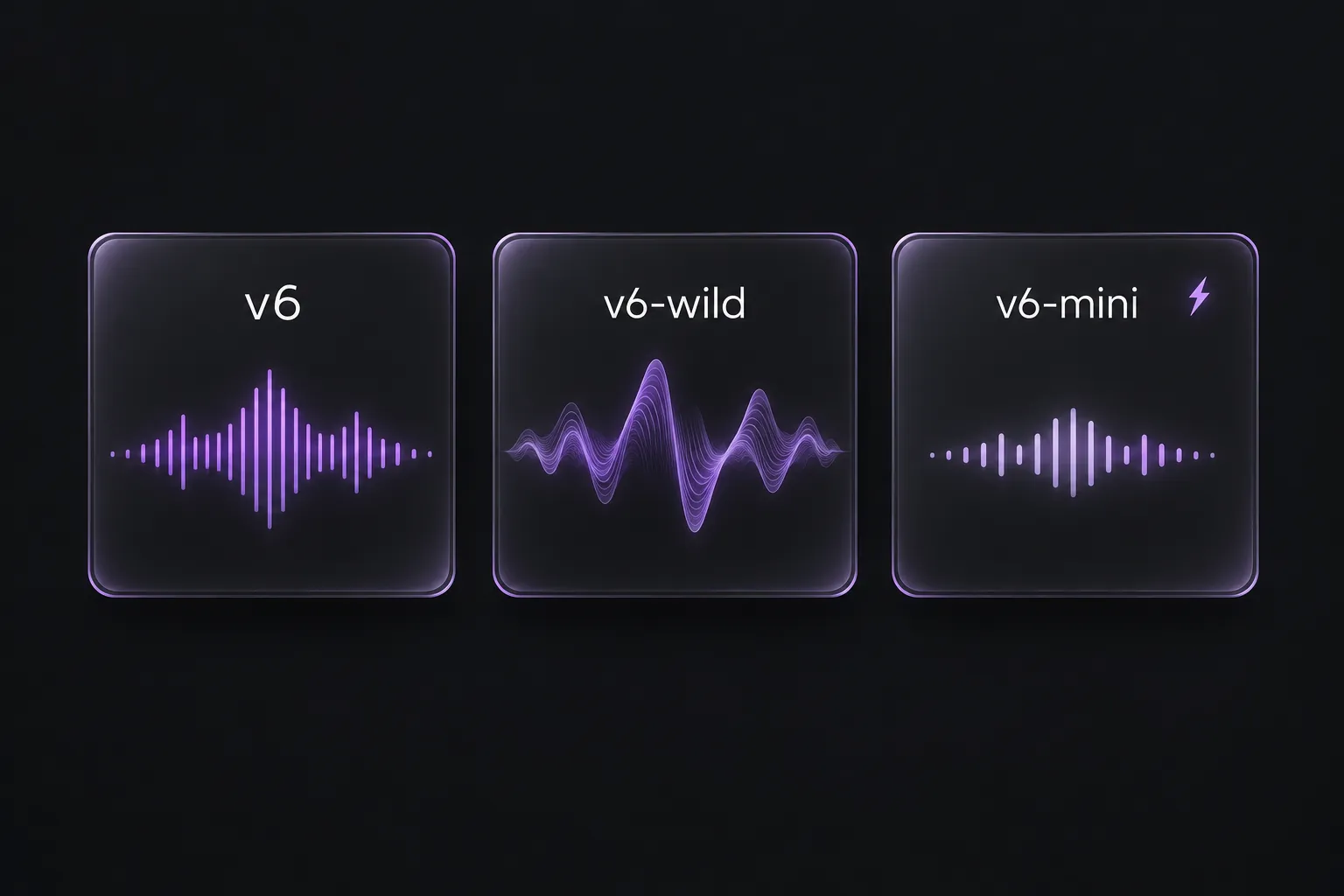
The three Suno v6 models at a glance
| Model | Suno's stated focus | Available on |
|---|---|---|
| v6 | Control and precision across different styles | Pro and Premier |
| v6-wild | More varied, less predictable musical choices | Pro and Premier |
| v6-mini | Faster, lighter generation for quick ideas | All plans, including Free |
All three support up to eight minutes per generation, according to Suno's v6 help guide.
Which v6 model fits your next song?
v6: when you already know the sound. A sparse verse, an understated vocal, and a bigger chorus give you a clear arrangement to work toward. Suno positions v6 as its precision-focused model, making it a natural starting point for this kind of brief.
v6-wild: when the direction is still open. Start here when you have lyrics or a mood but haven't settled on the arrangement. Its more varied output is geared toward finding a direction you might not have specified yourself.
v6-mini: when you want to hear an idea quickly. Use it for an early sketch before refining the details. It is also the v6 option on the Free plan. These roles follow Suno's model guide.
What the v6 update changes beyond model choice
The launch announcement describes changes to how you start and revise a song, not just which model generates it.
Revise the part that needs work. Suno describes plain-language section edits and single-line lyric changes that preserve the rest of the song. For a draft with a strong verse but an underwhelming chorus, that means focusing the next edit on the chorus.
Build on material you already have. The update includes combining elements from multiple songs and sampling a passage to build something new. Your own unfinished tracks can become source material for another idea.
Start with more than a written prompt. Audio, images, and video join text as creative inputs. A voice memo or visual reference offers another starting point when words alone don't capture the idea.
Voices, Custom Models, and My Taste arrived earlier, with v5.5 in March 2026. They aren't new additions from this release.
Try v6 with a song idea you already have
Open Create and choose an available model from the dropdown at the top right. Give it a short description of the sound and arrangement. For example:
Midtempo synth-pop with an understated lead vocal, warm bass, and crisp drums. Keep the verses sparse, then bring in layered synths for a bigger chorus.
With a direction this specific, start with v6. To explore alternatives, try the same lyrics and description in v6-wild. Keeping those inputs unchanged makes it easier to hear how the results differ.
Listen for the details you requested: the vocal delivery, space in the verses, and lift into the chorus. Keep a promising version even if one section still needs work; it can be the starting point for your next edit.
Download the versions you want to keep
Found a few versions worth keeping? Add them to a Suno playlist, then paste its accessible link into SunoSaver's Playlist Downloader. Select the songs you want and download them as individual files or together in a ZIP.
Open Playlist Downloader