

One Suno version has the vocals you love. Another has a better chorus. When you're choosing between versions of the same song, start with what you like most, then listen for anything you'd want to change. The version you share now may not be the one you keep working on.
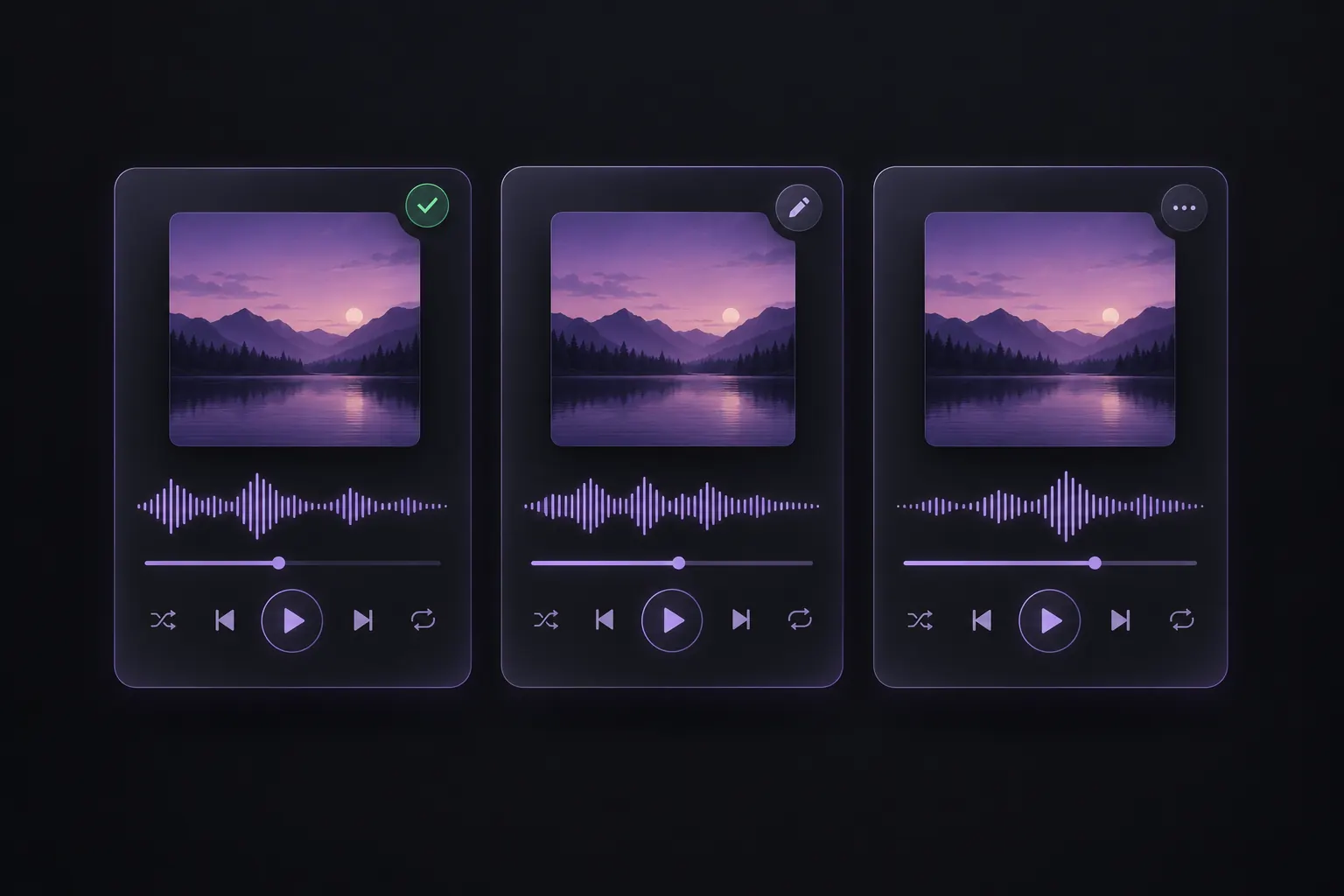
Choose a version to share or keep editing
For sharing: Play the song from start to finish. Listen for skipped lyrics, unnatural-sounding vocals, or an ending that feels cut short. Choose a version that sounds complete enough to share without further edits.
For further editing: Keep the version with the vocals or melody you like best. Make a quick note of what still needs work.
Say your favorite version skips a line in the second verse. You could share a more polished version now and come back to your favorite when you're ready to edit it.
Compare the parts that matter most
Play the same verse or chorus in each version at a similar volume. Compare the clarity and expression of the vocals, how memorable the chorus is, and how well the instruments support the melody.
For a song built around the lyrics, prioritize clear words and expressive vocals. For a chorus-driven track, give more weight to the hook. Keep a second version if it offers something distinctly different, such as an acoustic arrangement or a softer vocal.
Label the versions you keep
Give each version a short label that tells you why you're keeping it. A finished song, an acoustic version, and an unfinished draft can all earn a place in your collection.
Put your shortlist in a Suno playlist, where you can add and reorder songs. Save each song link in your notes with a label like “ready to share,” “acoustic version,” or “edit verse two.” You'll know which is which, even when the titles are the same.
Need the steps? See how to save multiple songs from a Suno playlist.
Save the versions you've chosen
Already have your picks in a playlist? Paste an accessible playlist link into SunoSaver's Playlist Downloader, select the songs you want to save, and download them as individual files or together in a ZIP.
Open Playlist Downloader