

You hear a Suno track and think, “How did they get that sound?” Maybe it's the airy vocals or the laid-back groove. You want to see the words behind it before writing your own prompt.
Quick answer
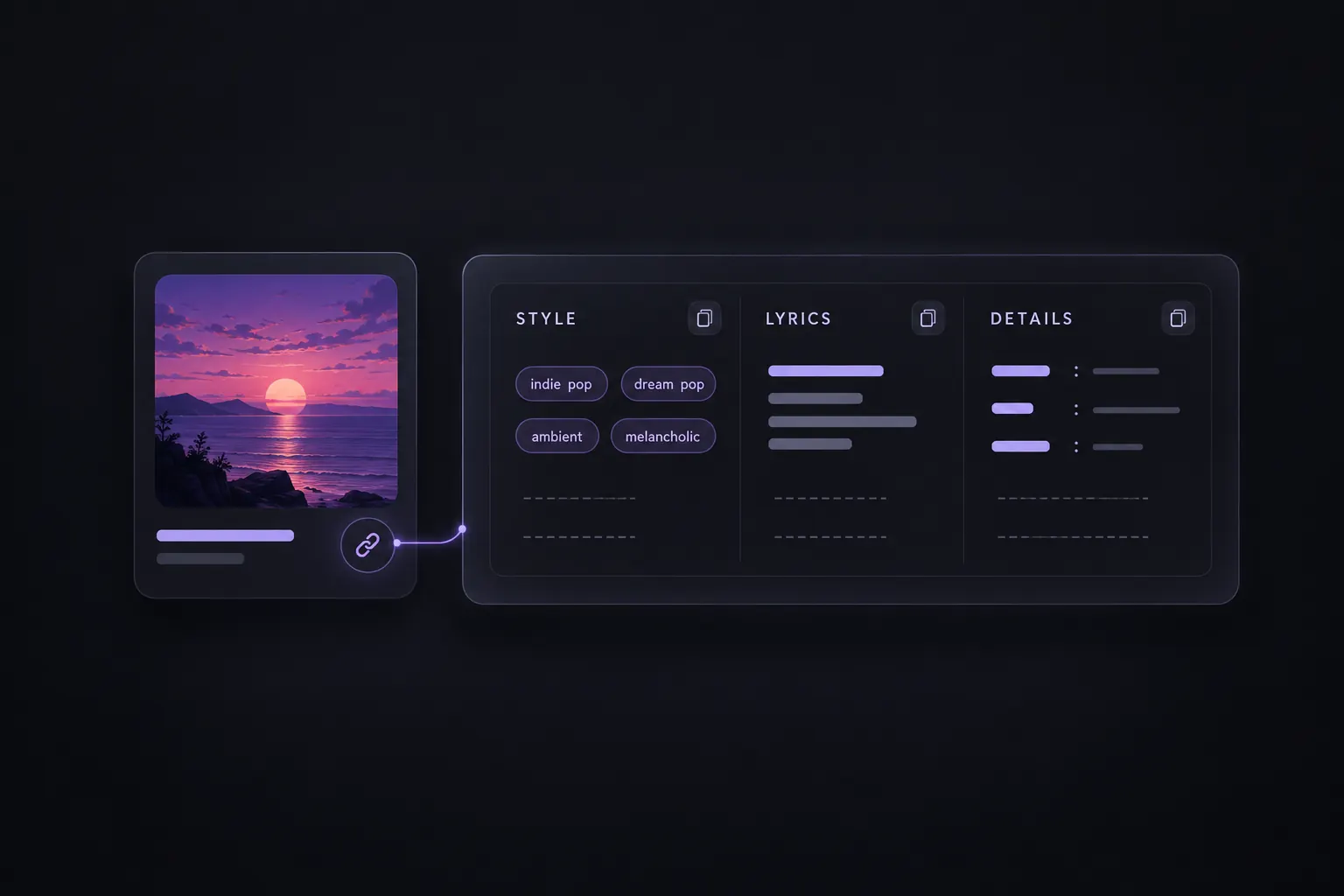
SunoSaver's Prompt Extractor brings a song's available lyrics, style descriptions, and other details into one view. Paste a Suno song link to see what's there, then copy the parts you want to keep. It doesn't recover hidden prompts or the creator's full generation history.
What can a Suno prompt extractor show?
The result depends on the information available for that track. Use this table to tell the fields apart:
| Detail | What you may see | What it helps you do |
|---|---|---|
| Song title and creator | The track name and creator name | Check that you have the right song and version. |
| Style description or Genre | Musical descriptors covering genre, feel, instruments, or vocal character | Find words for the sound you want to explore. |
| Prompt or lyrics | Lyrics and section labels such as [Verse] and [Chorus], when supplied | Read the words and see how the sections are organized. |
| Mood, Vocals, and Instruments | Separate descriptions, if the source provides them | Review more specific musical details without assuming every field is filled. |
| Cover art and source link | The track image and original Suno URL | Keep the reference identifiable and easy to revisit. |
Check a song link in SunoSaver
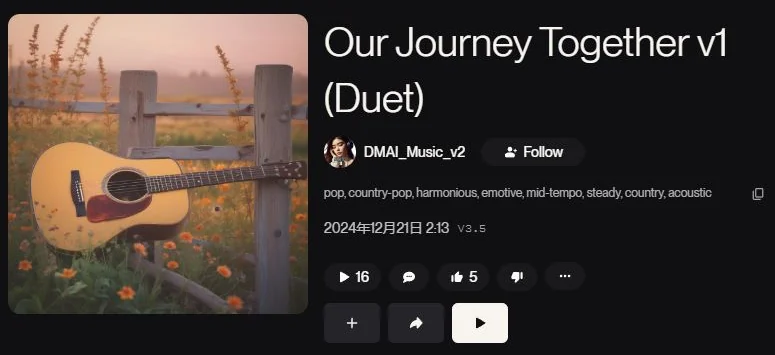
Step 1: Copy the song link
Open a Suno song and copy its share link.
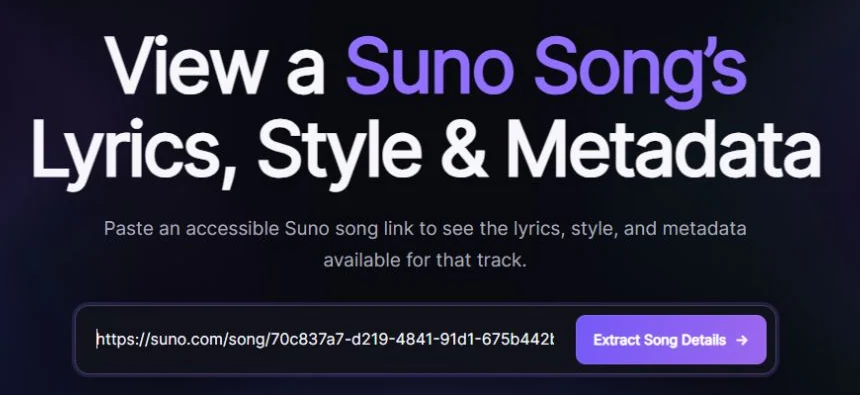
Step 2: Extract the available details
Paste it into SunoSaver's Prompt Extractor and click Extract Song Details.
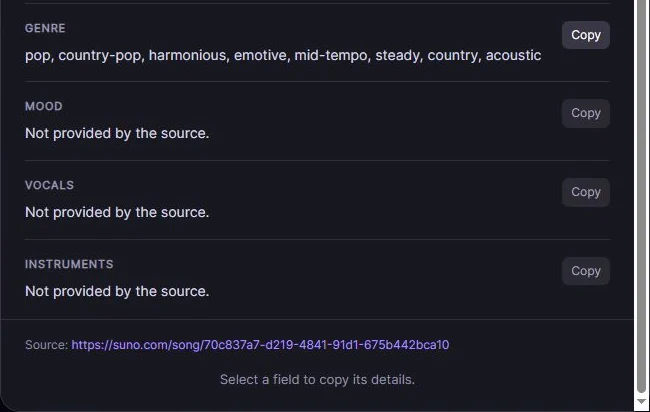
Step 3: Review and copy
Confirm the title and creator, then click Copy next to the field you want to save.
Use the link to an individual song—not a playlist, profile, or Create page. If it doesn't work, open the song in Suno and copy a fresh link.
Use what you've found
Pick one useful idea—a vocal description, a mood, or an instrument—and build your own prompt around it. For a practical example, see How to Extract Suno Prompts and Adapt Them for Your Own Songs.
Frequently asked questions
Why do some fields say “Not provided by the source”?
This means the song information available to SunoSaver doesn't include a description for that field. For example, a track can have vocals even if no vocal description is provided. You can still use any lyrics and style descriptions shown in the result.
Can it reveal the exact original prompt?
Not necessarily. SunoSaver displays the text available for the track; it doesn't recover hidden prompts, earlier drafts, or the creator's full generation and editing history. The result is a reference, not a recipe for reproducing the recording.
It also doesn't listen to audio and turn it into a new prompt. That requires an audio-analysis tool, rather than this Suno-link workflow.
Can I use Suno's Reuse Prompt instead?
Yes, where it's available in the song menu. Reuse Prompt lets you start a new song from an existing track's style; Suno recommends changing the lyrics. Use SunoSaver when you'd rather review and copy individual fields first.
Take a closer look at a song you like
Paste the song link into SunoSaver's Prompt Extractor to explore its available details.
Open Prompt Extractor