
A Suno song can become part of your daily playlist, a personal gift, a video soundtrack, or a demo for a collaborator. Saving the audio gives you a file to play, share, or edit outside Suno.
Choose how to use your downloaded songs
| If you want to… | You can… |
|---|---|
| Listen offline on your commute or during a workout | Keep your favorite MP3s on your phone and play them in a compatible music app. |
| Make a personal gift | Share the song with a friend or pair it with photos in a birthday slideshow. |
| Develop a song with a singer or producer | Send the downloaded audio as a demo for feedback or a new recording. |
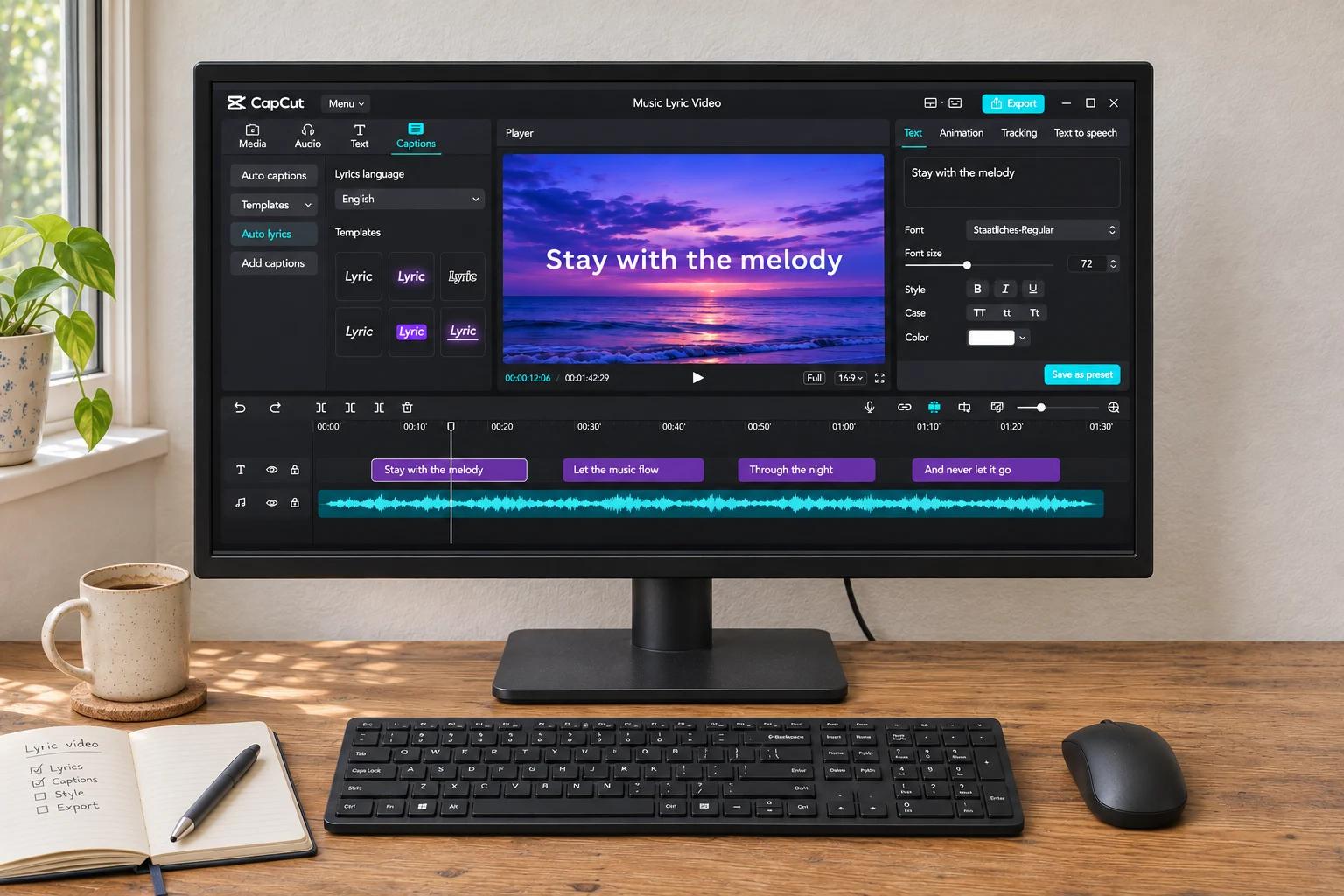
| Add music to a video | Use the track in a travel montage, lyric video, or short clip. |
| Release or sell your music | Release an eligible track through a distributor or sell it directly to listeners. |
| Build on an idea for your next song | Use the saved recording and available style text as a reference for a new version. |
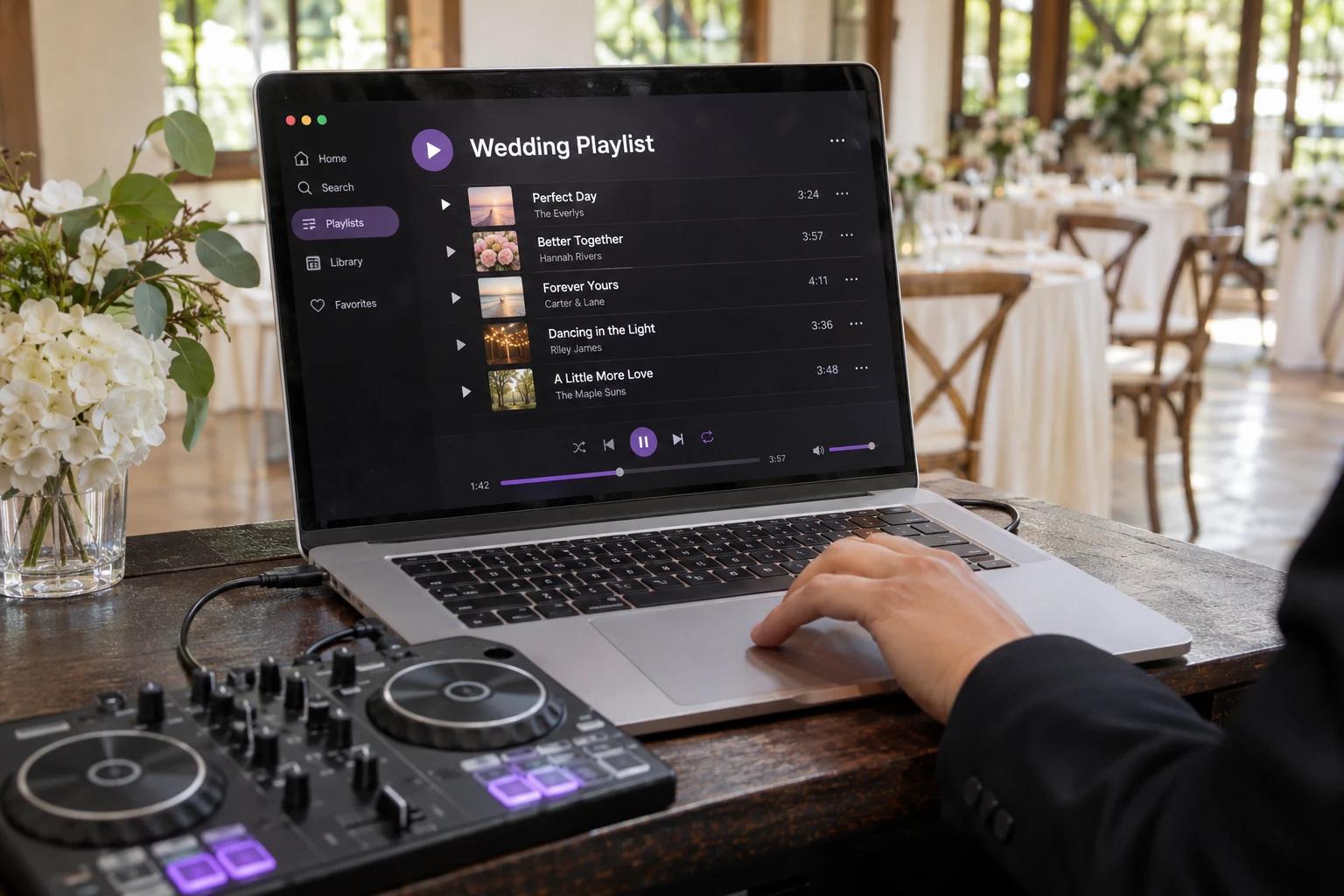
Listen on your commute, at the gym, or at home
A few favorite tracks can become your workout mix, a quiet playlist for the train, or music for an evening at home. Downloaded songs stay ready to play when you have no connection.
If several takes sound similar, our version-selection guide can help you narrow the collection down.
Suno offers offline playlists on iOS and Android. MP3s saved with SunoSaver give you another option: listening in a compatible music player on your phone or computer.
Make a personal gift or share a favorite
A song about a family trip, an inside joke, or a birthday can become a personal keepsake. It might accompany a photo slideshow or be a gift someone returns to long after the occasion.
Suno’s free-plan guidance allows personal, non-commercial projects and sharing through song links.
When you have permission to share the file, an MP3 gives the recipient a copy they can keep and replay offline.
Add music to a video or develop a demo
A downloaded track can bring a travel montage, lyric video, or short chorus clip to life. Instrumentals leave room for narration; a vocal can carry the story in a sequence of photos.
For a singer or producer, a demo makes your idea audible: the melody, pacing, and arrangement are there to hear and develop. Our MP3 and WAV guide covers file choices for listening and editing.
Release or sell an eligible song
Songs with commercial-use rights can become streaming releases, albums sold directly to listeners, or music for films and games. Suno’s paid-plan guidance explains the uses available to subscribers.
Suno’s current terms require a permitted download through an approved channel for commercial use and set separate restrictions for shared-feature Remixes. A SunoSaver download does not grant those rights, clear third-party material, or guarantee copyright protection.
DistroKid and LANDR have their own AI-music rules. LANDR also limits submissions and distribution destinations. Release approval depends on the distributor and receiving service.
Build on a musical idea
A saved recording gives you a reference for the next song. A sparse verse, a stronger bass line, or a memorable chorus may be the part you want to develop further.
The prompt-extraction guide covers the style text and lyrics available from a song page. Together with a fill-in prompt template, these can provide a starting point for a new idea, though they may not capture every input or edit.
Another creator’s style can inspire you, but reusing their lyrics requires permission. Suno explains this in its Reuse Prompt guidance.
Save the Songs You Want to Use
Download your favorites with SunoSaver, or save a collection with the Playlist Downloader for offline listening and creative projects.
Download Suno Songs