

How to Download Suno Songs on iPhone and Android
Save a Suno song as an MP3 on iPhone or Android, find it in Files or Downloads, and open the saved audio without using a computer.
Learn how to download Suno songs and playlists, fix common issues, and
listen to your saved music anywhere.
Save a Suno song as an MP3 on iPhone or Android, find it in Files or Downloads, and open the saved audio without using a computer.
Want to release a Suno song on Spotify or Apple Music? Compare DistroKid and LANDR's AI rules, commercial-use requirements, and release review process.
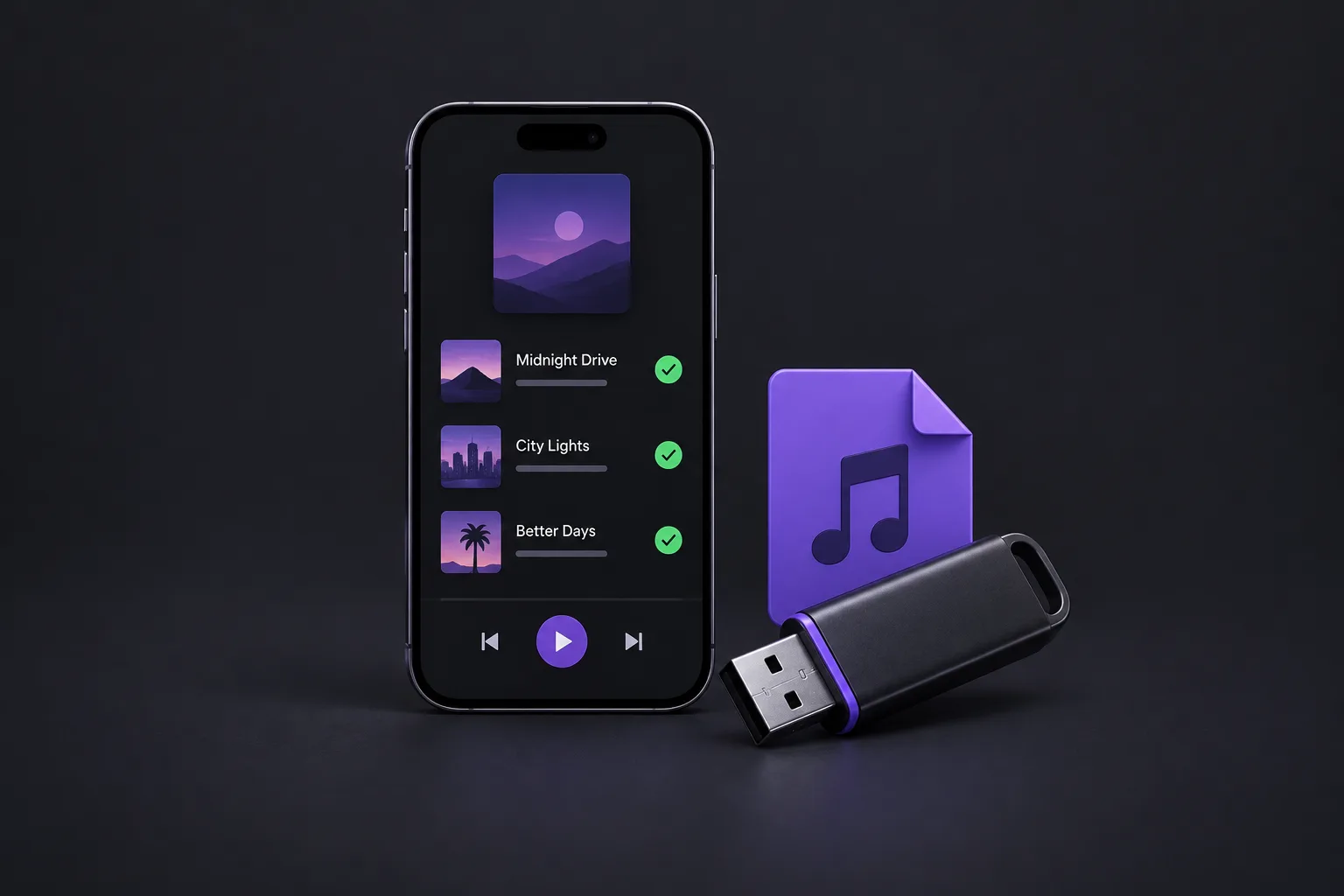
Build a Suno playlist, download selected songs with SunoSaver, and keep the audio on your phone or a USB drive for commutes, walks, and car listening.
Troubleshoot missing, incomplete, or unplayable Suno audio files. Check song access, browser errors, download limits, and MP3 or WAV availability.
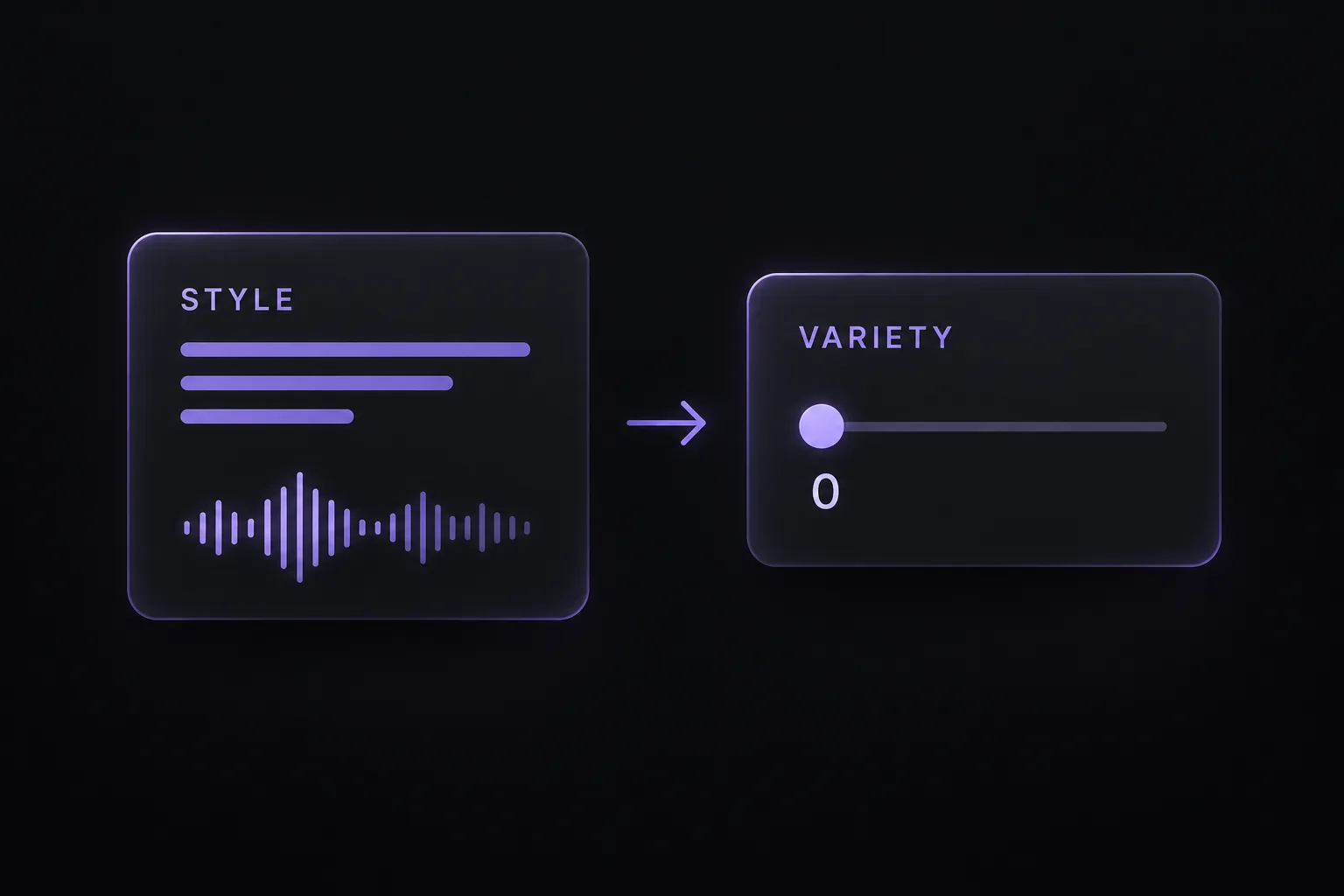
Learn why Suno v6 rewrites Style prompts, when to set Variety to 0, and how to compare your original instructions with the generated song’s details.
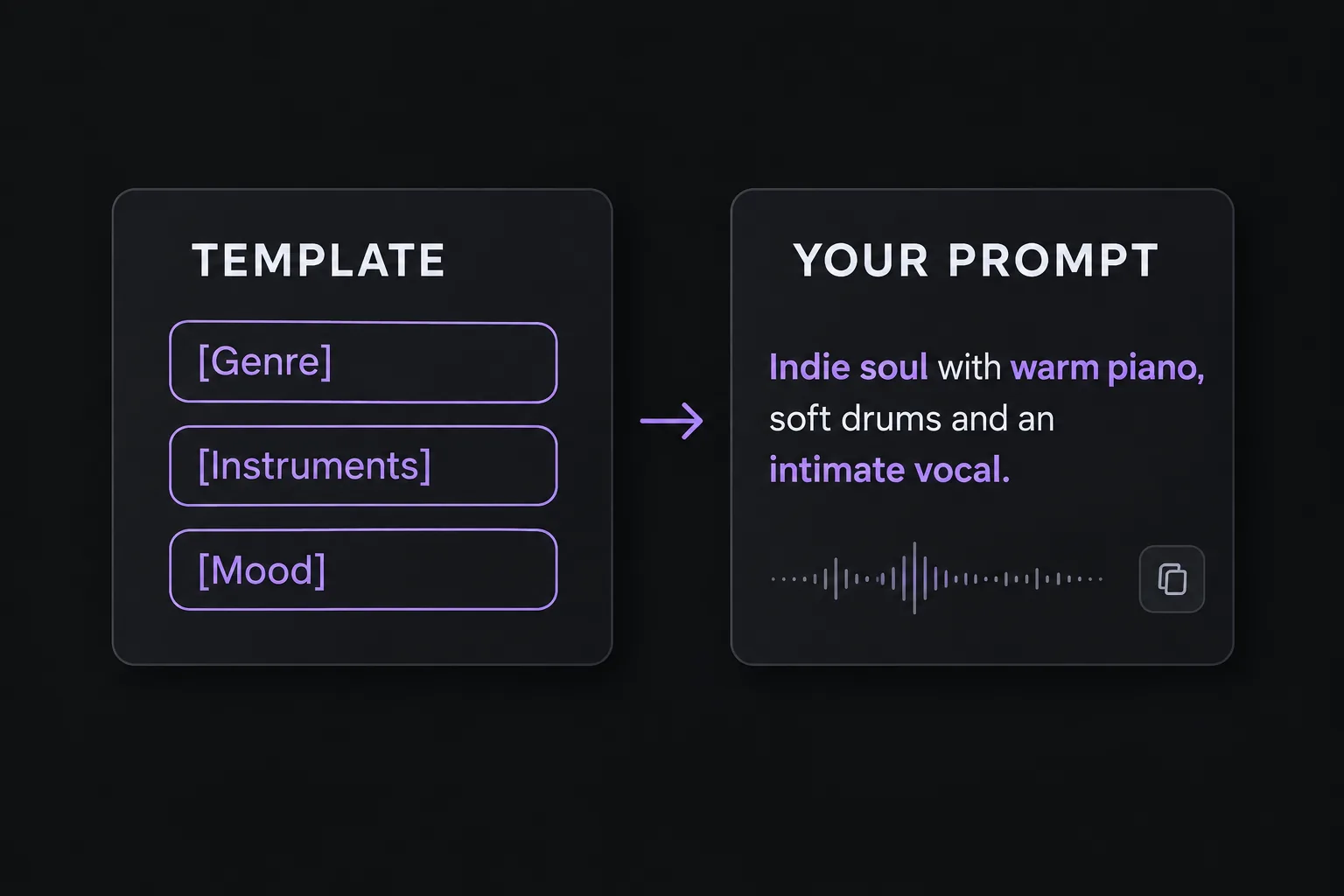
Explore three Suno prompt structures with fill-in templates and ready-to-try examples for section changes, memorable grooves, and mood-led arrangements.
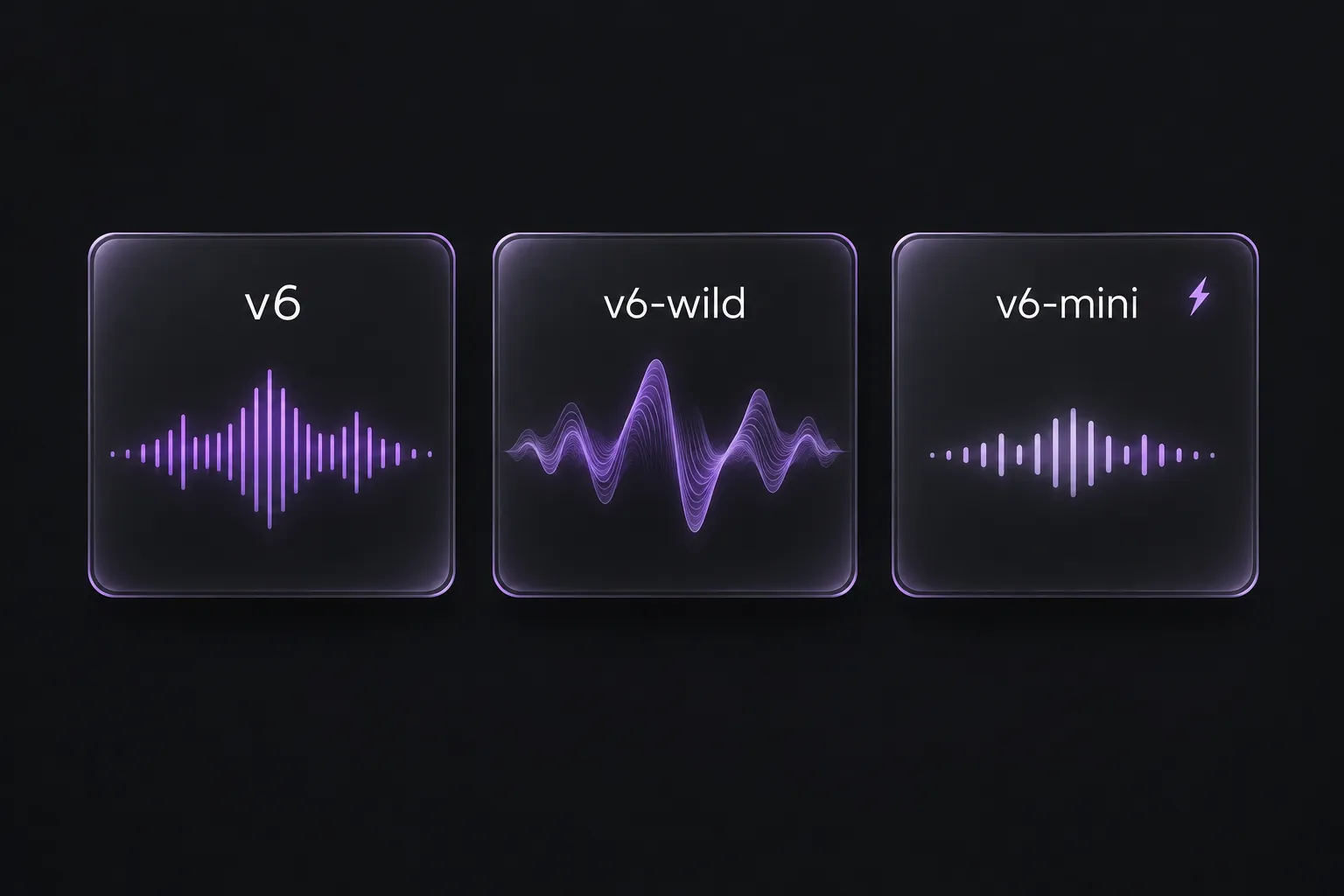
Understand the differences between Suno v6, v6-wild, and v6-mini, see which plans include them, and choose a starting point for your next song.
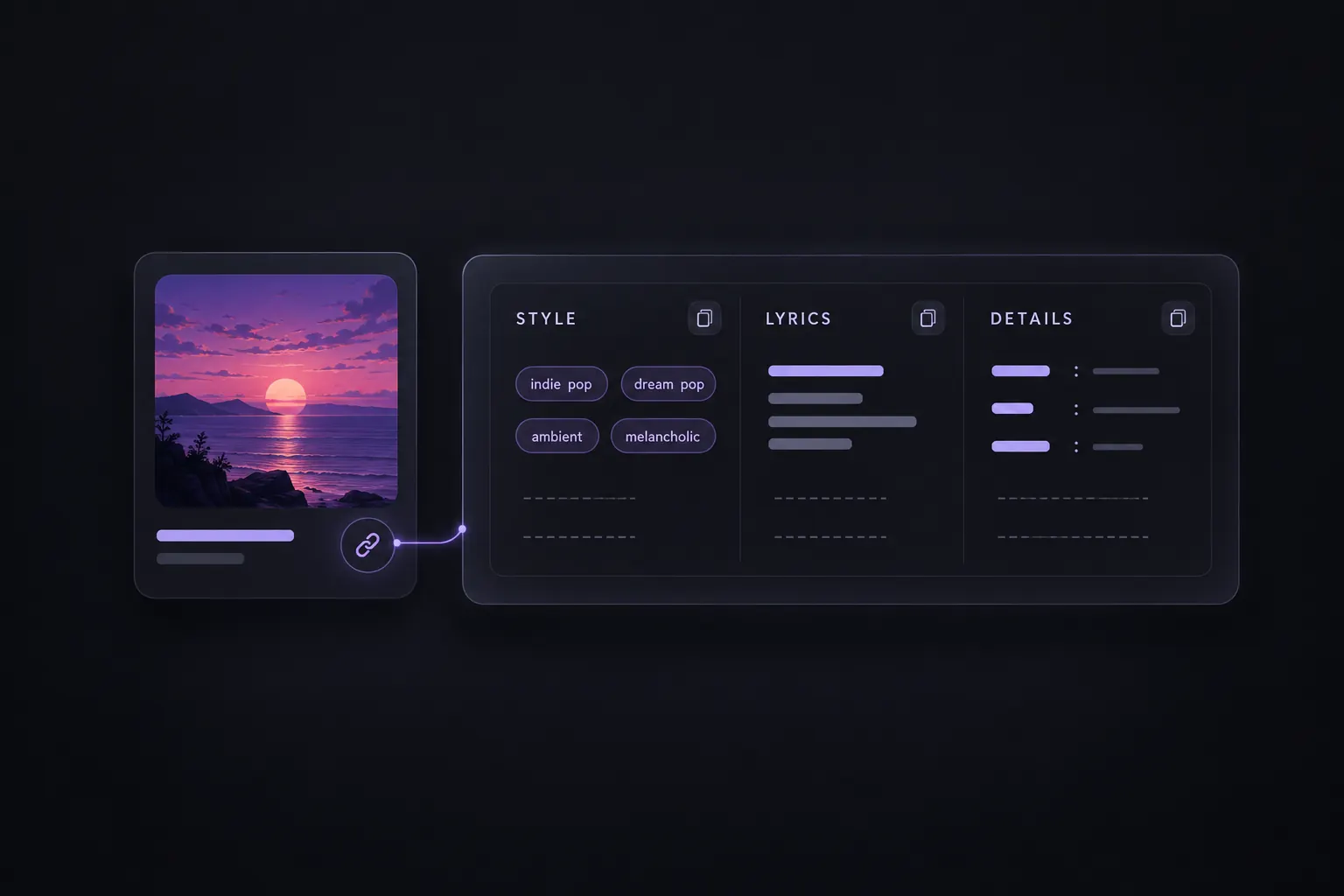
Found a Suno song you want to learn from? See which lyrics, style tags, and song details you can extract from its link.
Compare your Suno song versions, choose a favorite to share or keep editing, and save the alternatives you want to come back to.